Speaker Cloud How To
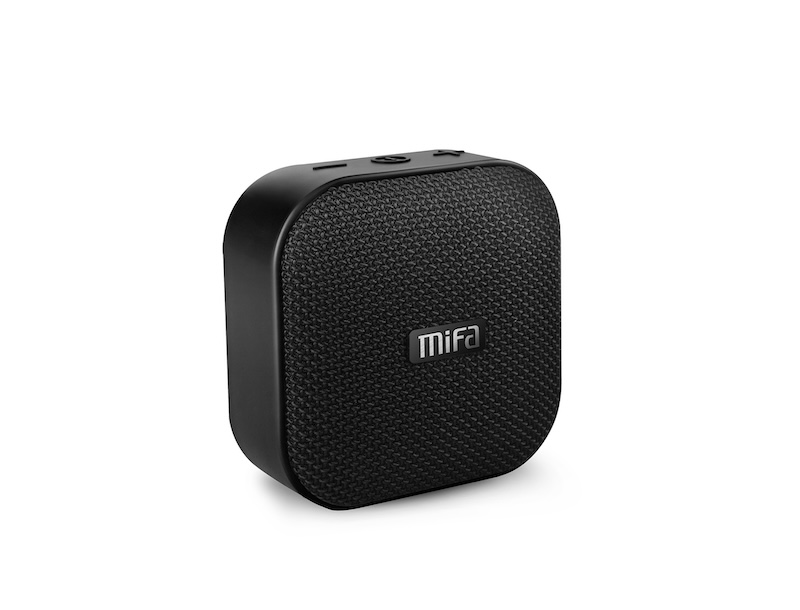
For Project 1, we will be using Mifa A1 loudspeakers as distributed, multi-channel voices. Each speaker will act as a single voice (or channel), so 4 speakers gives us a quad setup in your pocket.
We will not be using Bluetooth!
For reference: Mifa A1 manual
Preparing Your Piece
To prepare your piece for playback on the distributed speakers, add a short, recognizable sound at the beginning of each channel to use as a cue when preparing playback. Next, render each channel to a mono file (WAV, MP3, or FLAC) with all files of the same length.
Load each channel onto a single speaker by copying it onto the SD card, either by:
- removing the SD card from the speaker and using a card reader on your computer, or
- connecting the speaker to your computer via a USB cable, it should appear as an external drive (be nice and unmount when finished)
Make sure there are no other files on the SD card.
Note: If the SD card is not readable, (re)format it as FAT32 or ExFAT.
Preparing Speakers for Playback
To prepare a speaker for playback, it is placed in SD card mode and paused:
- Turn the speaker on: long press the power button → LED turns on and startup chimes play
- Switch to SD card mode: double-tap the power button → LED stops flashing and single chime plays
- Pause playback: short press the power button → LED blinks while paused
- Rewind to beginning*: long press the minus button, then immediately...
- Pause playback (again)
Repeat for each speaker. When finished, every speaker should be on with the LED blinking.
* This is where having a short sound cue at beginning of each channel is useful.
Starting Playback
To start a single speaker, simply unpause: short press the power button. Playback should begin immediately.
To start playback of the piece, start all speakers at once. For a 4 channel piece, this should be relatively easy with two hands. click
It is recommended to pratice both speaker preparation and playback to ensure as close synchronization as required.